Your shortcuts. Your icons.
Choose from Apple’s SF Symbols, or use your own images and SVGs. Make every action easy to recognize.
Make it yoursWhether you're in Figma, Things or Obsidian, you'll be able to access your most used shortcuts by only remembering one command.


One of the best inventions for Macs so far.Customizable shortcuts which can be triggered around the mouse coursor make my life so much easier. Must have for all Mac users!
Great app concept and very useful!
Omg man, i’m not gonna lie… This is it!
I was dreamin of it
Choose from Apple’s SF Symbols, or use your own images and SVGs. Make every action easy to recognize.
Make it yoursOpen another pie menu from your pie menu. Group related actions into submenus and keep your main menu focused.
Explore submenus
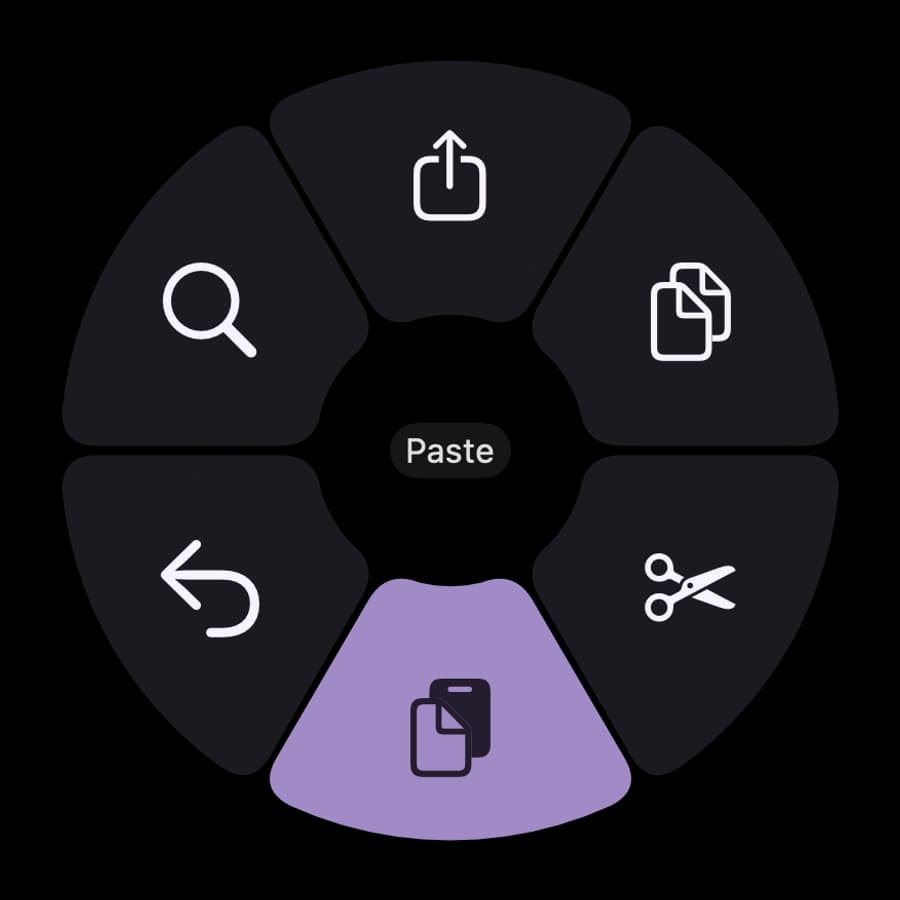
Choose your colors and menu shape. Create your own theme or find one made by the community.
Explore themes
The convenience of shortcuts without the memorization!
Are you a shortcut illiterate like me?
You accept that shortcuts will make you more effective, but you can't remember them or mix up the shortcuts from other programs.
Shortcuts deserves some love. A rethink.
With Pie Menu, I've done just that. I've distilled shortcuts until they couldn't be more simple.
How is that possible? Well, you only have to remember one special shortcut for all of your programs. The best part is that you can pick your own favorite combination!
When you trigger your perfect shortcut, a menu opens around your cursor. Your favorite shortcuts for that app are available like a menu of pies around your mouse. Try it out now by holding ⇧ + z.
Are you using another program? Same shortcut to open the menu, different shortcuts to choose from!
What are you waiting for?
Download Pie Menu and start saving time immediately.


Marius Hauken
Creator of Pie Menu


