







Skip to content
Spotify icon

Spotify shortcuts for Mac

31 shortcuts · 4 categories

Spotify is a music streaming service that allows users to access millions of songs and podcasts on demand and create personalized playlists. Download Spotify

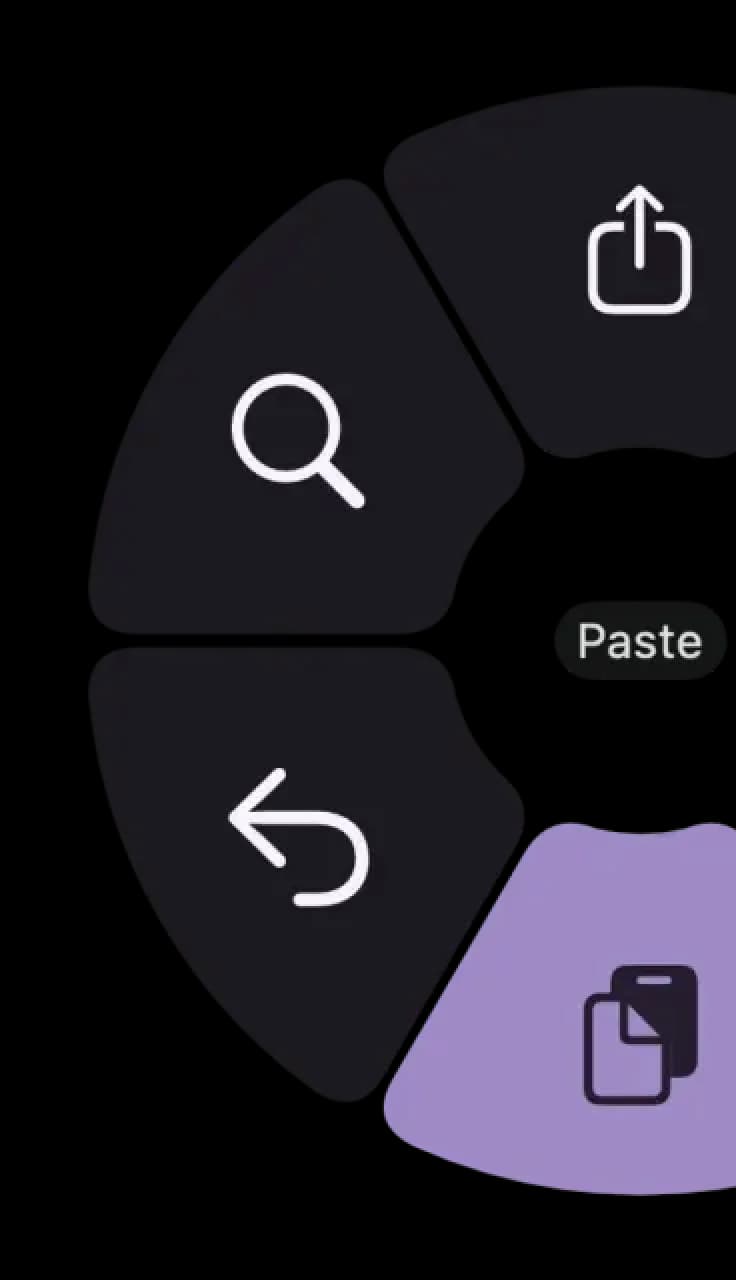
Use these Spotify shortcuts from a pie menu

Access your favorite Spotify shortcuts instantly with Pie Menu. No more memorizing—just point and click.

Pie Menu with shortcuts
Hover a shortcut to add it to Pie Menu

Mac keyboard shortcuts for Spotify

Basic

  • Create new playlist⌘  + N Add →
  • Create new folder⌘  + ⇧ (shift) + N Add →
  • Open context menu⌥ (option) + J Add →
  • Open Quick Search⌘  + K Add →
  • Select all⌘  + A Add →
  • Filter⌘  + F Add →
  • Search in Your Library⌘  + ⌥ (option) + F Add →
  • Log out⌥ (option) + ⇧ (shift) + F6 Add →

Playback

Navigation

  • Home⌥ (option) + ⇧ (shift) + H Add →
  • Back in history⌘  + ← Add →
  • Forward in history⌘  + → Add →
  • Preferences⌘  + , Add →
  • Currently playing⌥ (option) + ⇧ (shift) + J Add →
  • Search⌘  + L Add →
  • Liked songs⌥ (option) + ⇧ (shift) + S Add →
  • Queue⌥ (option) + ⇧ (shift) + Q Add →
  • Your Library⌥ (option) + ⇧ (shift) + O Add →

Layout

  • Toggle left sidebar⌥ (option) + ⇧ (shift) + L Add →
  • Decrease left sidebar width⌥ (option) + ⇧ (shift) + ← Add →
  • Increase left sidebar width⌥ (option) + ⇧ (shift) + → Add →
  • Toggle right sidebar⌥ (option) + ⇧ (shift) + R Add →

Download Keyboard Cheat Sheet for Spotify for Mac

Do you want all keyboard shortcuts for Spotify in one pdf?

Cheat sheet

Community shortcuts for Spotify

Be the first to share — open Pie Menu → Spotify → Share Config

View community page →
Pie Menu

Get started with Pie Menu today.

The convenience of shortcuts without the memorization!

FAQ

What are the most useful Spotify shortcuts?

Key Spotify shortcuts include Space to play/pause, Cmd+Right to skip to the next track and Cmd+Left to go back. Use Cmd+Up/Down to increase or decrease volume, and Cmd+Shift+Up/Down for larger volume jumps. Press Cmd+L to jump to the search bar, Cmd+F to filter in playlists, and Cmd+Shift+F to enter fullscreen. The Left/Right arrows seek within the current track.

How do I manage my queue in Spotify?

Press Cmd+U to open the Queue panel and see what's coming up next. Right-click any song and choose 'Add to queue' to add it after the current track. To remove a song from the queue, open it with Cmd+U and click the X next to the track. You can also drag and reorder songs in the queue. Press Cmd+Shift+R to toggle shuffle and Cmd+Shift+P to toggle repeat.

How do I navigate the Spotify library faster?

Use Cmd+1 to go to Home, Cmd+2 to go to Search, and Cmd+3 to open your Library. Press Cmd+Option+Left/Right to go back and forward in navigation history, like a browser. In a playlist, press Cmd+F to filter tracks by name. Cmd+N creates a new playlist, and Cmd+Shift+N creates a new folder to organize playlists.

Spotify keyboard shortcuts not working - how to fix?

If Spotify shortcuts aren't responding, make sure the Spotify window is focused and not minimized. Some shortcuts like Space for play/pause won't work if a text field is active — click on an empty area first. On macOS, media keys (F7, F8, F9) should work system-wide even when Spotify is in the background. If media keys are being captured by another app, check System Settings > Keyboard to see which app has priority.