
Comet shortcuts for Mac
Comet is a browser from Perplexity that combines AI-powered search with a modern browsing experience for smarter web exploration. Download Comet


Hover over the shortcut to add to Pie Menu:
Mac keyboard shortcuts for Comet
Basics | |
|---|---|
| New window | ⌘ (command) + N Add to Pie Menu |
| New incognito window | ⌘ (command) + ⇧ (shift) + N Add to Pie Menu |
| New tab | ⌘ (command) + T Add to Pie Menu |
| Reopen closed tab | ⌘ (command) + ⇧ (shift) + T Add to Pie Menu |
| Close current tab | ⌘ (command) + W Add to Pie Menu |
| ⌘ (command) + P Add to Pie Menu | |
| Find in page | ⌘ (command) + F Add to Pie Menu |
Edit | |
| Undo | ⌘ (command) + Z Add to Pie Menu |
| Redo | ⌘ (command) + ⇧ (shift) + Z Add to Pie Menu |
| Cut | ⌘ (command) + X Add to Pie Menu |
| Copy | ⌘ (command) + C Add to Pie Menu |
| Paste | ⌘ (command) + V Add to Pie Menu |
| Select all | ⌘ (command) + A Add to Pie Menu |
View | |
| Zoom in | ⌘ (command) + + Add to Pie Menu |
| Zoom out | ⌘ (command) + - Add to Pie Menu |
| Actual size | ⌘ (command) + 0 Add to Pie Menu |
| Toggle sidebar | ⌘ (command) + \ Add to Pie Menu |
History & Bookmarks | |
| Show history | ⌘ (command) + Y Add to Pie Menu |
| Toggle bookmarks bar | ⌘ (command) + ⌥ (option) + B Add to Pie Menu |
| Open downloads | ⌘ (command) + ⇧ (shift) + J Add to Pie Menu |
Tabs | |
| Select next tab | ⌃ (control) + ⇥ Add to Pie Menu |
| Select previous tab | ⌃ (control) + ⇧ (shift) + ⇥ Add to Pie Menu |
| Select 1st tab | ⌘ (command) + 1 Add to Pie Menu |
| Select 2nd tab | ⌘ (command) + 2 Add to Pie Menu |
| Select 3rd tab | ⌘ (command) + 3 Add to Pie Menu |
| Select 4th tab | ⌘ (command) + 4 Add to Pie Menu |
| Select 5th tab | ⌘ (command) + 5 Add to Pie Menu |
| Select last tab | ⌘ (command) + 9 Add to Pie Menu |
Navigation | |
| Reload page | ⌘ (command) + R Add to Pie Menu |
| Hard reload | ⌘ (command) + ⇧ (shift) + R Add to Pie Menu |
| Go back | ⌘ (command) + [ Add to Pie Menu |
| Go forward | ⌘ (command) + ] Add to Pie Menu |
| Focus address bar | ⌘ (command) + L Add to Pie Menu |
Window | |
| Minimize window | ⌘ (command) + M Add to Pie Menu |
| Zoom window | ⌘ (command) + ⌃ (control) + Z Add to Pie Menu |
Perplexity AI | |
| Ask Perplexity | ⌘ (command) + K Add to Pie Menu |
| Quick search | ⌘ (command) + ⇧ (shift) + K Add to Pie Menu |
| Pie Menu for Comet Work faster with a customized radial menu for Comet. Add whatever shortcut you want! Download at www.pie-menu.com | 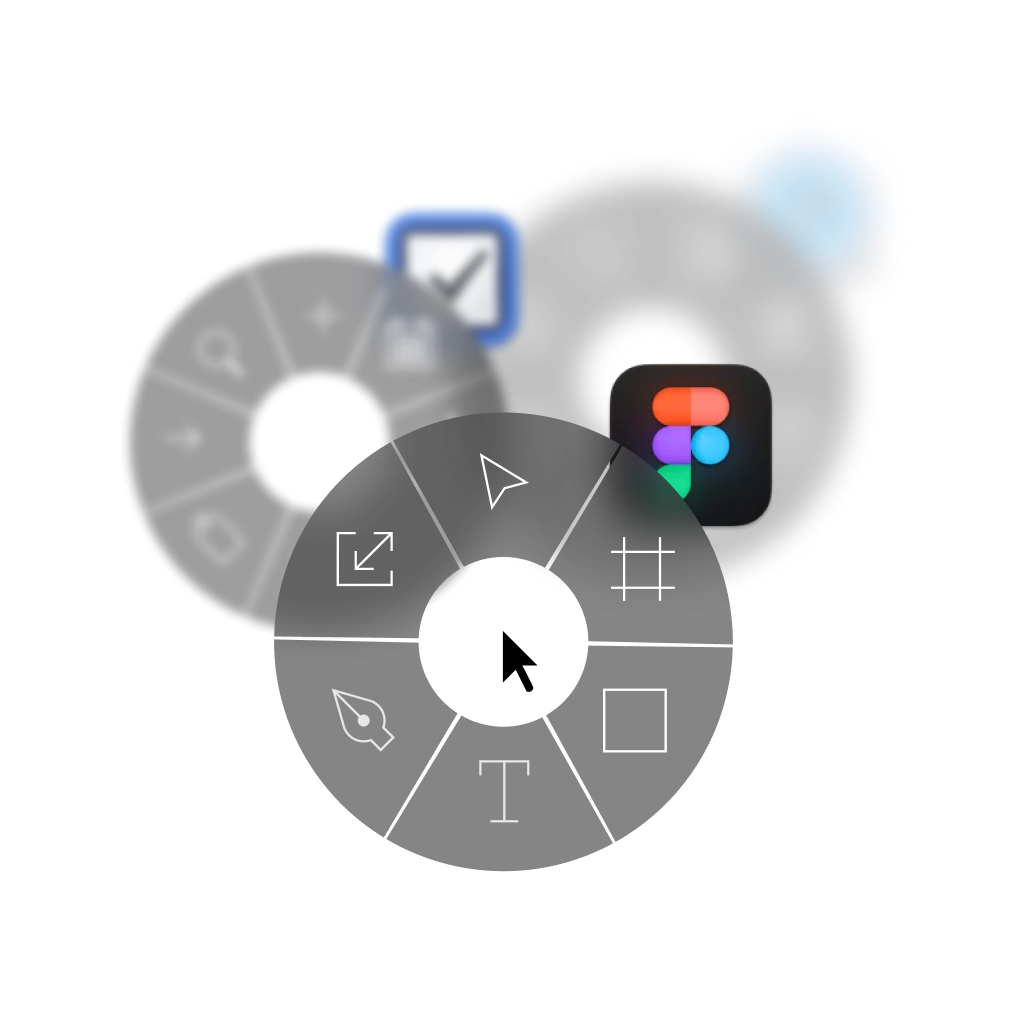 |
Download Keyboard Cheat Sheet for Comet for Mac
Do you want all keyboard shortcuts for Comet in one pdf?


Get started with Pie Menu today.
The convenience of shortcuts without the memorization!
 Google Chrome
 ChatGPT
 Claude
 Cursor
 Safari
 Arc
Arc Microsoft Edge
 Firefox
 Opera
Opera Brave
Brave Ollama
 Wispr Flow
 Antigravity
 Dia
Dia ChatGPT Atlas