
OpenAI Codex shortcuts for Mac
OpenAI Codex is an AI-powered code generation tool that helps developers write, understand, and debug code faster with natural language commands. Download OpenAI Codex


Hover over the shortcut to add to Pie Menu:
Mac keyboard shortcuts for OpenAI Codex
Thread | |
|---|---|
| New thread | ⌘ (command) + N Add to Pie Menu |
| Previous thread | ⌘ (command) + ⇧ (shift) + [ Add to Pie Menu |
| Next thread | ⌘ (command) + ⇧ (shift) + ] Add to Pie Menu |
File | |
| Open folder | ⌘ (command) + O Add to Pie Menu |
| Settings | ⌘ (command) + , Add to Pie Menu |
Navigation | |
| Find | ⌘ (command) + F Add to Pie Menu |
| Back | ⌘ (command) + [ Add to Pie Menu |
| Forward | ⌘ (command) + ] Add to Pie Menu |
Panels | |
| Toggle sidebar | ⌘ (command) + B Add to Pie Menu |
| Toggle terminal | ⌘ (command) + J Add to Pie Menu |
| Toggle diff panel | ⌘ (command) + ⌥ (option) + B Add to Pie Menu |
Skills | |
| Force reload skills | Add to Pie Menu |
| Go to skills | Add to Pie Menu |
| Pie Menu for OpenAI Codex Work faster with a customized radial menu for OpenAI Codex. Add whatever shortcut you want! Download at www.pie-menu.com | 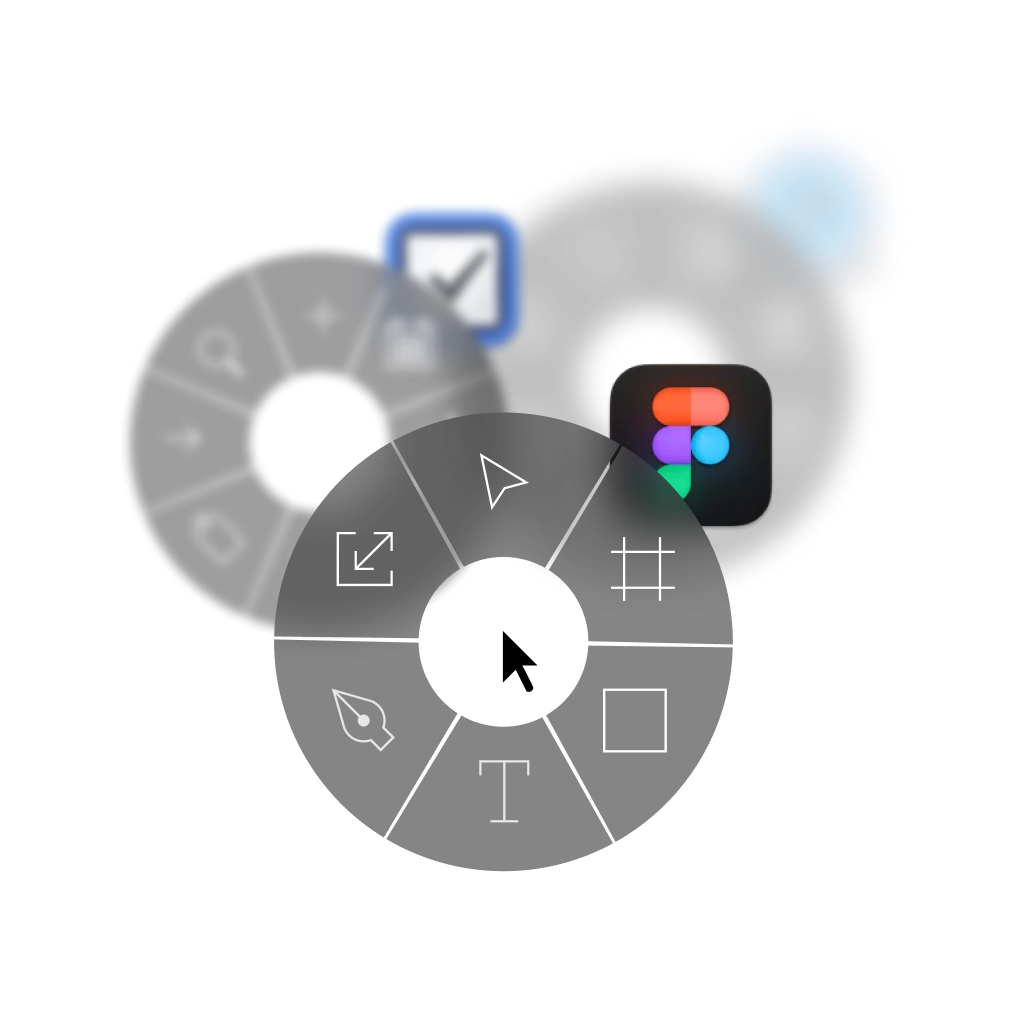 |
Download Keyboard Cheat Sheet for OpenAI Codex for Mac
Do you want all keyboard shortcuts for OpenAI Codex in one pdf?


Get started with Pie Menu today.
The convenience of shortcuts without the memorization!
Similar apps
 ChatGPT
 Claude
 Cursor
 Framer
 VSCode
 Adobe Dreamweaver
 AppCode
 Xcode
Xcode Cyberduck
 IntelliJ IDEA
Show more
 TextMate
 Android Studio
 CLion
CLion Eclipse
 Emacs
Emacs GoLand
 MPS
MPS PHPStorm
 PyCharm
 RStudio
 RubyMine
 Spyder
 Webstorm
 Coda
Coda GitHub Desktop
 GitKraken
 Tower
Tower Linear
 Rive
Rive Acreom
 Filezilla
 iTerm2
 Postman
 Wordpress
 Transmit
 Sequel Pro
 Ghostty
 Ollama
 Wispr Flow
 Antigravity
 Comet
Comet Dia
Dia ChatGPT Atlas
 Fork
Fork TablePlus
 Warp
Warp Zed
Zed
