Apple Podcasts shortcuts for Mac
32 shortcuts · 4 categories
Apple Podcasts is a podcast app that gives you access to millions of free shows and episodes. Discover new content, follow your favorite creators, and listen offline. Download Apple Podcasts
Use these Apple Podcasts shortcuts from a pie menu
Access your favorite Apple Podcasts shortcuts instantly with Pie Menu. No more memorizing—just point and click.
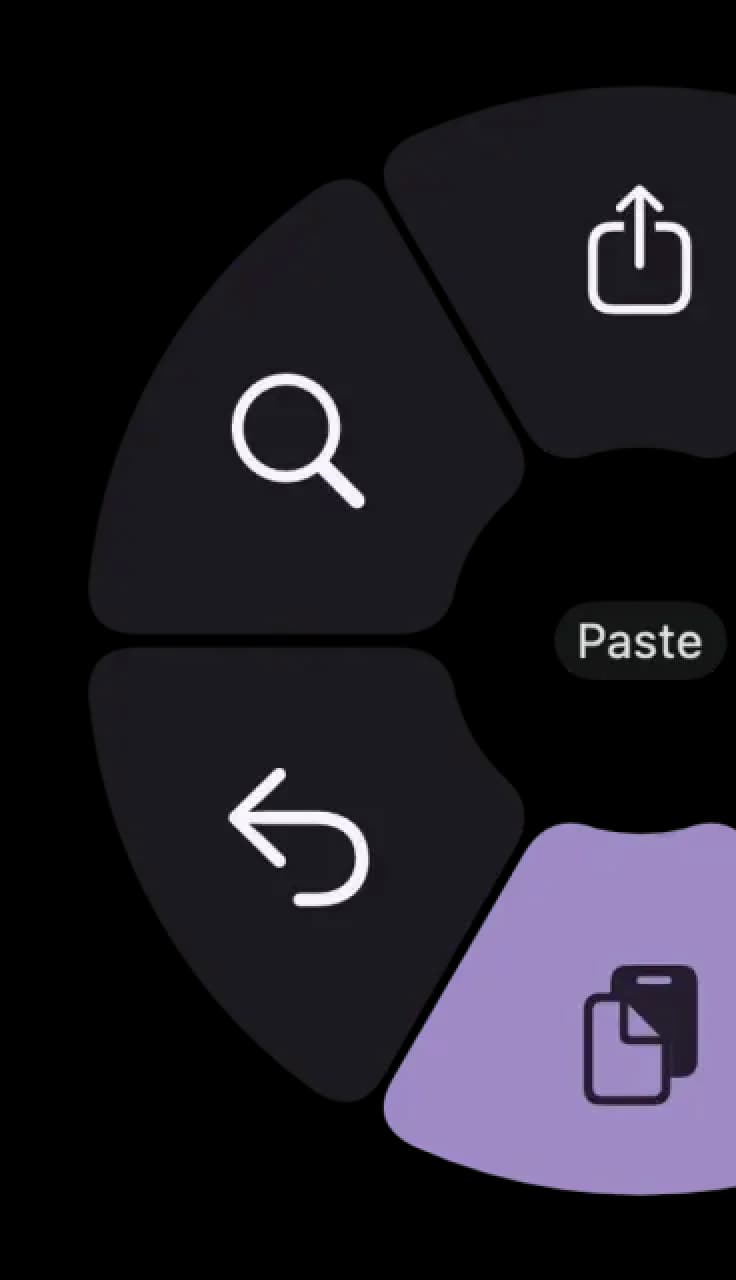
Hover a shortcut to add it to Pie Menu
Mac keyboard shortcuts for Apple Podcasts
Playback Shortcuts
- Play or pausespacebar Add →
- Play the next episodefunction + right arrow Add →
- Play the previous episodefunction + left arrow Add →
- Restart current episode⇧ (shift) + function + left arrow Add →
- Fast-forward 15 seconds⇧ (shift) + function + right arrow Add →
- Rewind 15 seconds⇧ (shift) + function + left arrow Add →
- Increase volumefunction + up arrow Add →
- Decrease volumefunction + down arrow Add →
- Toggle sleep timer⌥ (option) + ⌘ (command) + t Add →
- Toggle saved episodes⌘ (command) + b Add →
General Shortcuts
Edit Shortcuts
Download Keyboard Cheat Sheet for Apple Podcasts for Mac
Do you want all keyboard shortcuts for Apple Podcasts in one pdf?

Community shortcuts for Apple Podcasts
Be the first to share — open Pie Menu → Apple Podcasts → Share Config
View community page →
Get started with Pie Menu today.
The convenience of shortcuts without the memorization!