Loom shortcuts for Mac
8 shortcuts · 3 categories
Loom is a video messaging tool that lets you record your screen, camera, or both to create instantly shareable videos for async communication. Download Loom
Use these Loom shortcuts from a pie menu
Access your favorite Loom shortcuts instantly with Pie Menu. No more memorizing—just point and click.
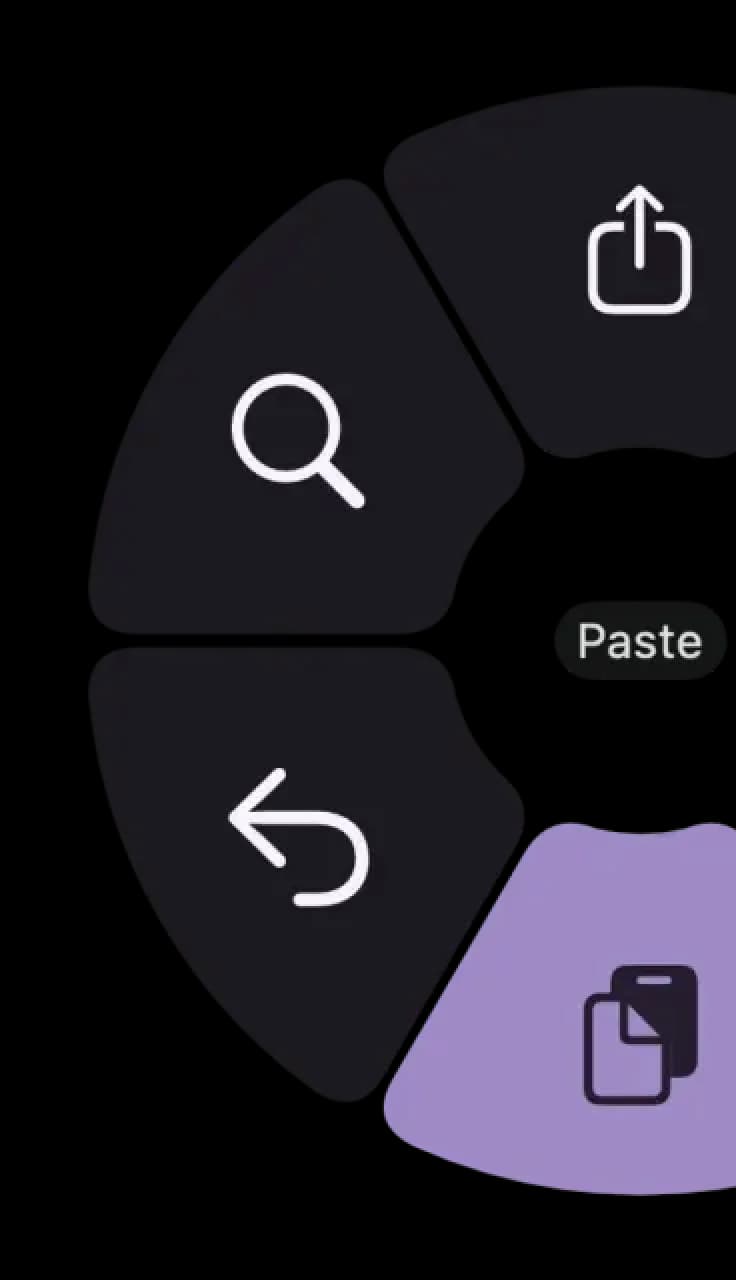
Hover a shortcut to add it to Pie Menu
Mac keyboard shortcuts for Loom
Recording
Screenshot
Drawing & Effects
Download Keyboard Cheat Sheet for Loom for Mac
Do you want all keyboard shortcuts for Loom in one pdf?

Community shortcuts for Loom
Be the first to share — open Pie Menu → Loom → Share Config
View community page →
Get started with Pie Menu today.
The convenience of shortcuts without the memorization!